
Nic
Figma
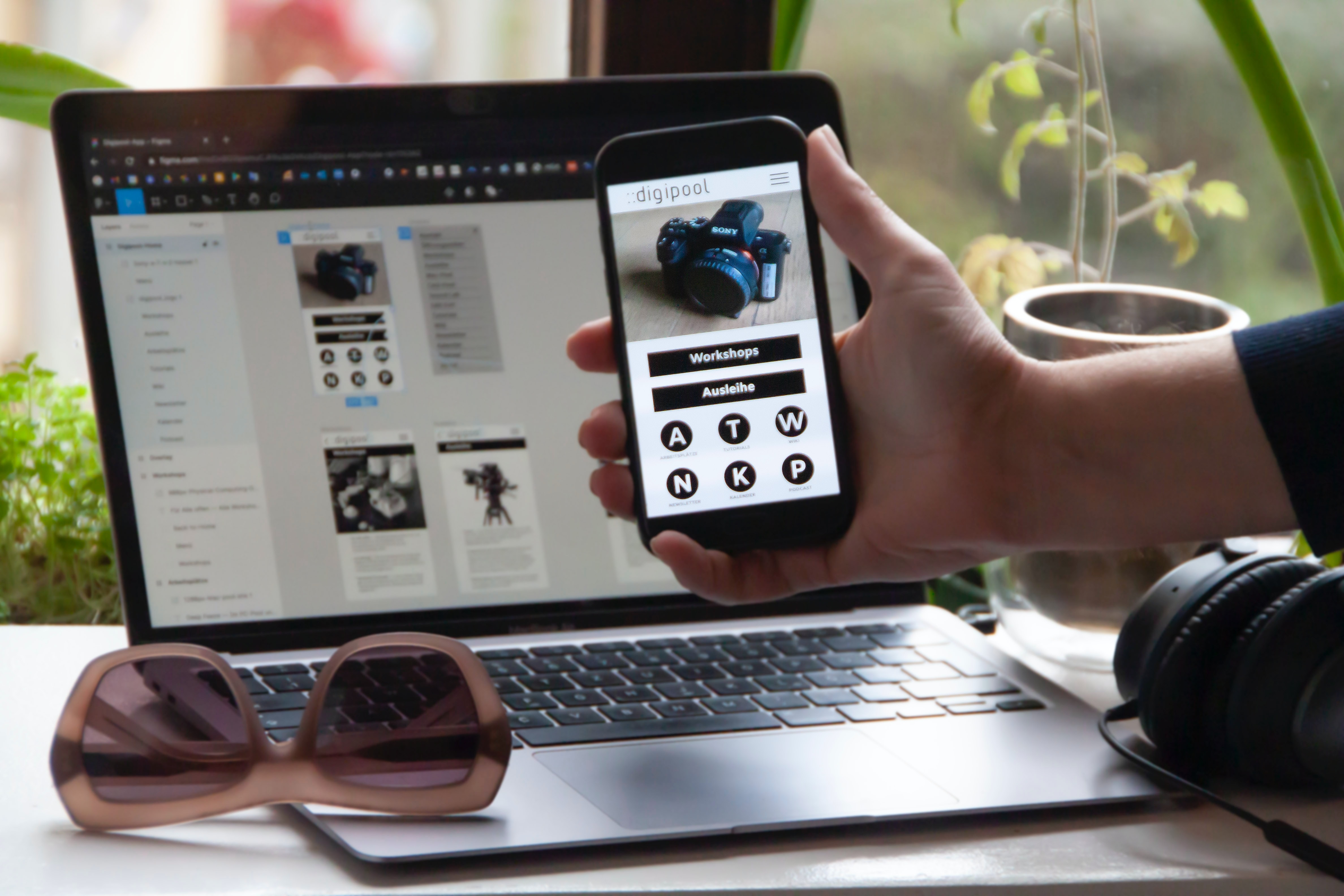
We will achieve introduction through an extensive walkthrough step-by-step guide on what Figma is as software, the tools and features in Figma. We have created an in-depth tutorial that helps you to master Figma Design, regardless of if you are completely new to Figma Design tools, or you are looking to advance your skills. For those who are skeptical about claims like this, we explain how Figma streamlines the design process, and is more efficient than other software programs in helping designers and teams work efficiently together. We hope that this information is helpful to other design teams looking for greater organization in their Figma work.
Figma is now (arguably) the leading front-end interface design tool in the industry, and has solid features that support teams working through each stage of the design process. The Figma interface has a fairly minimal appearance, but that hides a set of powerful features. Figma is the only type of design tool out there that really works, and at shops using different operating systems with equipment, everybody still has access to Figma files to share, open, and modify. Essentially, the most collaborative figmas yet have taken Figma from being a design platform into being a workflow tool for the whole organisation, and have naturally been spreading word of this toolkit across their partner organisations.
As expected, FigJam works alongside Figma, so components or design objects created on FigJam can be seamlessly transferred into Figma. You will still have to perform the work of designing in Figma, but FigJam is helpful in creating ideas, scheduling, and gathering helpful contributions throughout the process. While Figma is unable to turn designs into code, aside from having pretty standard pass-through features, offering a standalone tool (FigJam) for tasks that may need whiteboarding, as well as design-system documentation features that make sure styles and components live long after being created, makes Figma feel otherwise like a true end-to-end product design solution.
Most of todays user interface design tools share styles and components, but Figma is the only major tool to allow attaching design system documentation to those. Unfortunately, Figma does not function as a npm package, where you can just update the dependencies to get the latest features. Unlike Sketch, which runs as a separate MacOS application, Figma is completely browser-based, so it works on not just Macs, but PCs running Windows or Linux, or even Chromebooks. Figma is a cloud-based design tool similar to Sketch in features and capabilities, but with major differences that make Figma better suited to collaboration among teams.
Figma is a browser-based user interface and user experience design app that has great tools for designing, prototyping, and generating code. Figma gives you all of the tools needed in the design stage of the project, including vector tools that are able to do full-fledged illustrations, along with prototyping capabilities, as well as code-generation to deliver. Figma is a vector graphics editor and prototyping tool that is mostly web-based, with offline extra features enabled via desktop apps for macOS and Windows. It is available across platforms (Windows, macOS, web) and covers more of the design process than similar tools, while also being continuously innovating with new features and improvements.
I would go as far as saying that Figma is arguably the best app out there for collaborative design projects that are based around teams. Think of Figmas design and prototyping platform a bit like Adobes less-powerful Illustrator, but collaborative, online, and occasionally better suited to app and web design. Like the Google for Education software, Figma is mostly web-based, and is lighter on the computer than many industry-standard design programs.
Figmas design and prototyping platform also allows team members to collaborate similarly to the way they would on Google Docs--but for prototyping and design projects instead of text. Using Figma, the lead designer can log on and see what the team is designing in real-time simply by opening the shared file. During design reviews, the teams designers can discuss their work on the big screen, write comments, and correct issues - all within Figma. When you create a Figma channel on Slack, any comments or design changes made in Figma are delivered slack to the team.
We created the #figma channel to allow designers to pose questions to the WG, and we have also added a few outside people from Figmas product team. With the selection set, the piles of prints, and even the figma prototypes, we ran rounds of explorations with designers in our own product division. Where things came togetherA Finally, WG developed a Playbook, and incorporated this in a workshop we held as we were introducing designers to Figma.
Next, we needed to obtain design assets for this Figma crash course, which we would get from Frontend Mentor. In Figma, rather than exporting static images, we can just share a link to a Figma file so clients and colleagues can open it in their browsers. Figma also allows for permission-based sharing of any file, page, or framework (called an artboard in other design tools). The often-used phrase single source of truth really applies here: Once you have created the team Figma Library, everyone who has access to the project can use instances of components in their designs, and they are sure they are working on the latest version.
Figma's prototype features let you build interactive flows, simulating the way users might interact with your designs. With basic shapes, images, and text, you can easily begin prototyping websites, designing mobile apps, and much more.

Nic
I'm Passionate about Learning and development with a desire to apply skills on a larger development team